
Sign in
Felix has no passwords. You sign in with a link sent to your email address, and only invited addresses can sign in.
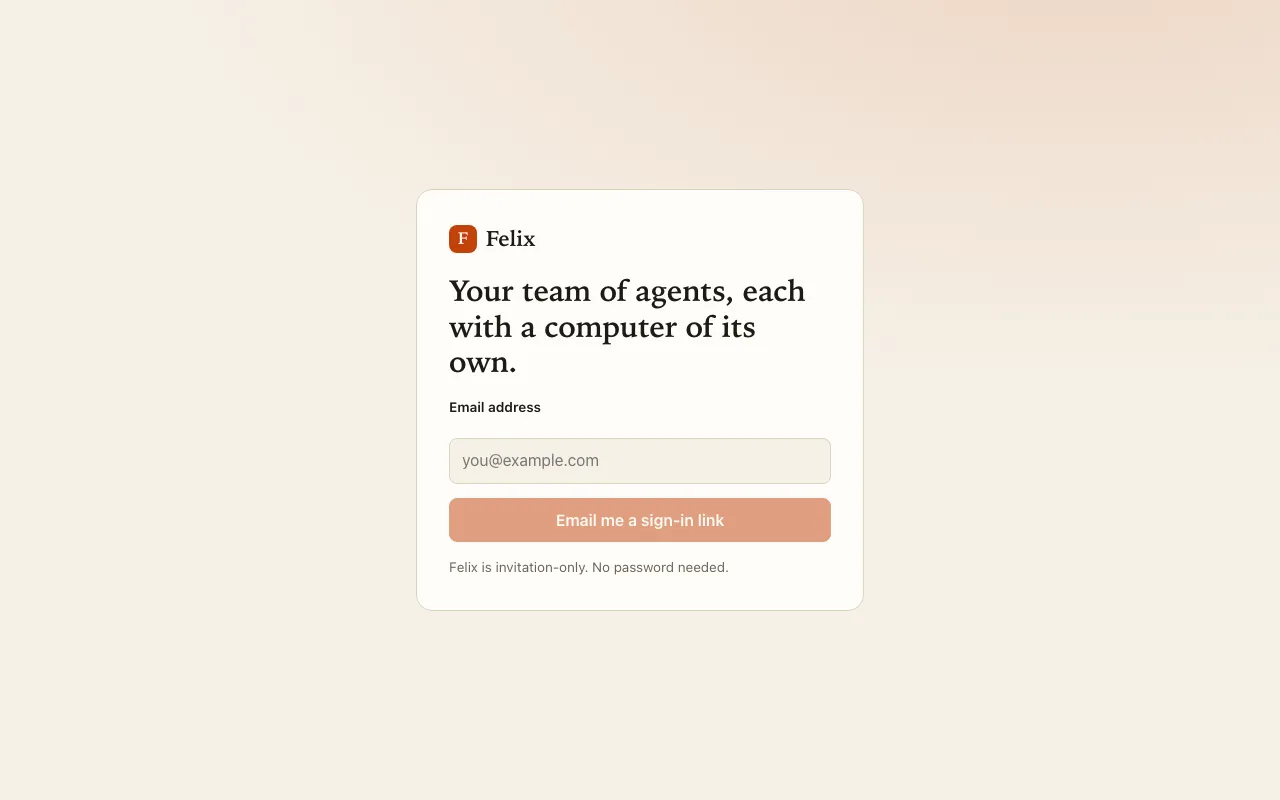
- Open Felix (for example app.chaifax.fr), enter your email address and press Email me a sign-in link. The page always answers “Check your inbox”, whether or not the address is invited.
- Open the link from the email. It works once and expires after 15 minutes. At most five links per address are sent per hour.
- The link opens a confirmation page. Press Sign in to Felix.
You stay signed in on that browser for 30 days. Sign out (top right) ends the session.
If something goes wrong
Section titled “If something goes wrong”- No email? Check your spam folder, wait a minute, then ask for a new link. If your installation has no mail server yet, your administrator gives you the link directly.
- “This sign-in link is invalid or has expired.”: ask for a new one; each link works once, within 15 minutes.
- A suspended account cannot sign in, and its open sessions stop working at once. Ask your administrator.