
Files, Library and sessions
File cards
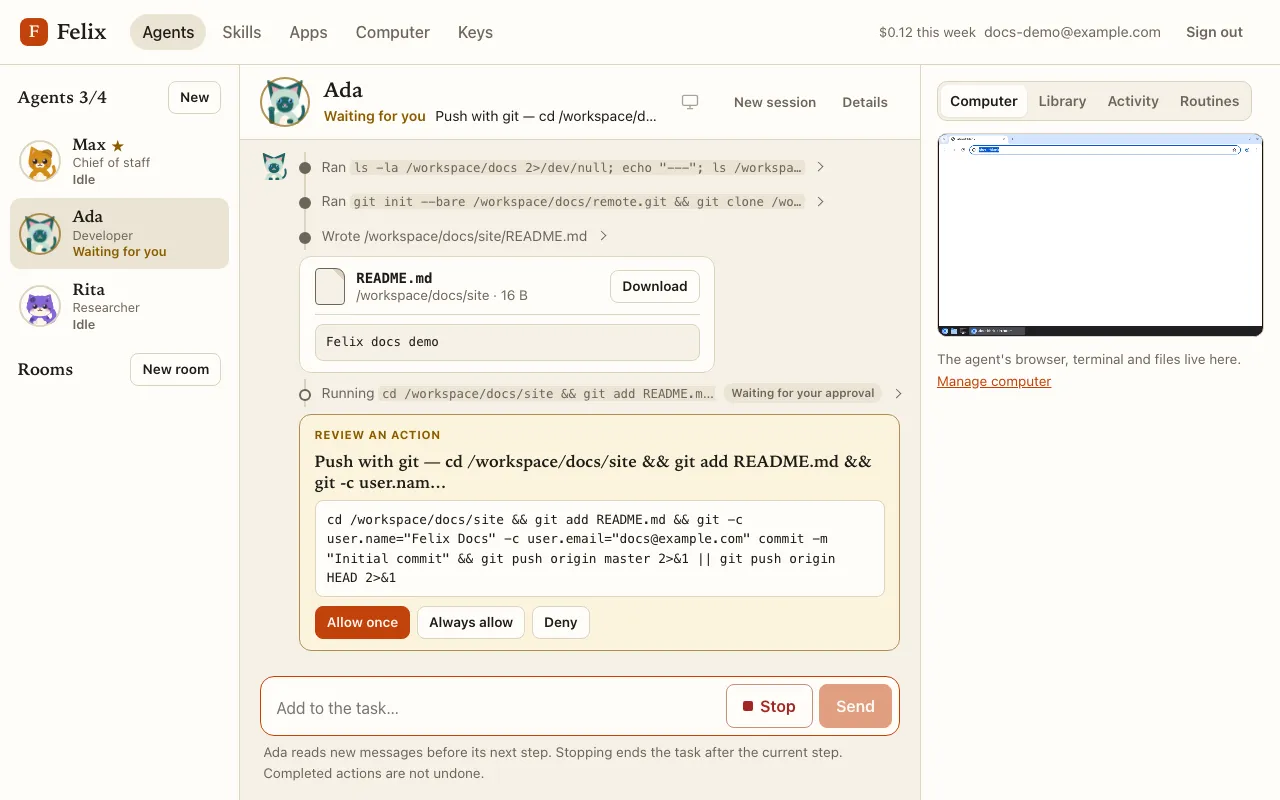
Section titled “File cards”Files an agent writes under /workspace appear in the chat as cards with their name, folder and size, and
Download. Images (png, jpg, gif, webp) show inline, and text files (txt, log, md, csv) show their first 2 KB.
The Library
Section titled “The Library”The Library tab of the right panel lists every file the agent wrote, newest first, with Download.
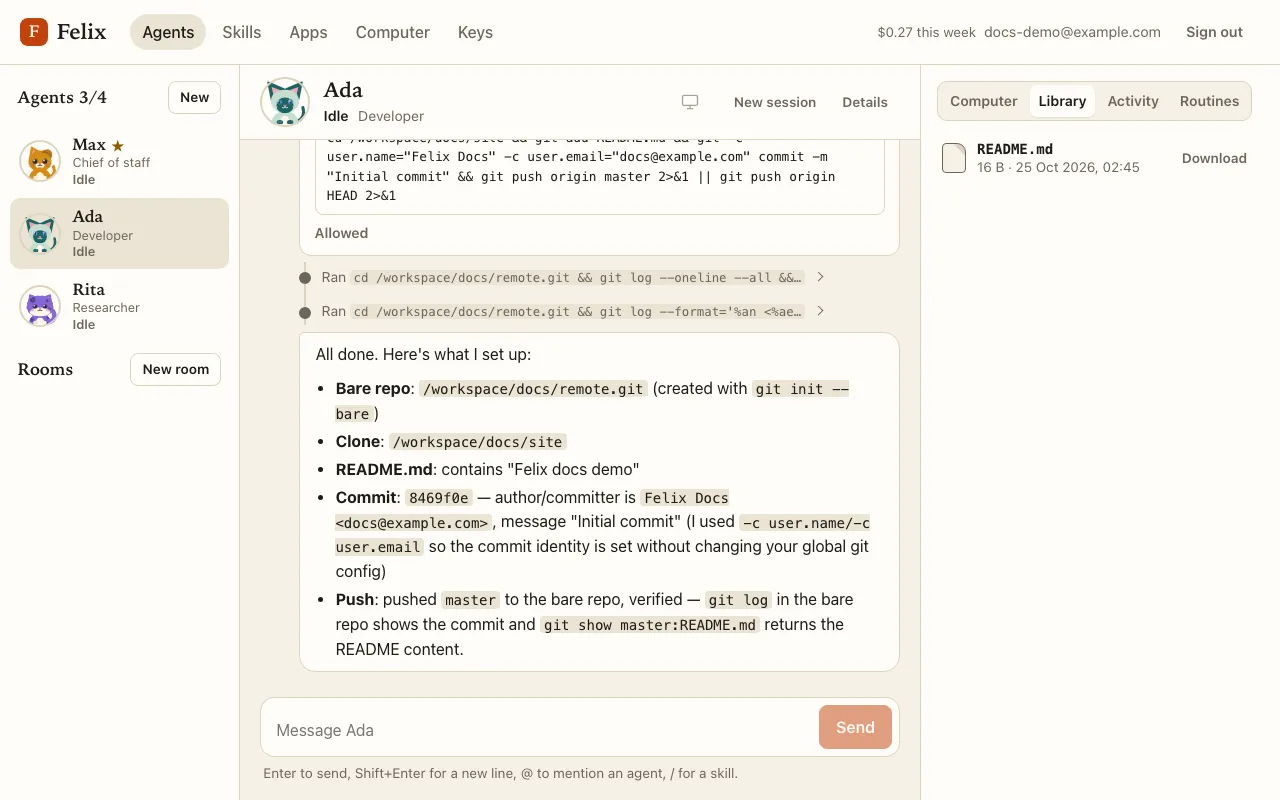
Files live on your computer’s data disk: previews and downloads work while the agent’s computer sleeps, and never wake it. Downloads are limited to 50 MB. Other file types always download; they never open in the browser.
The shared /workspace
Section titled “The shared /workspace”All your agents share /workspace: that is how they hand work to each other. Each agent also has its own home
folder, which the others cannot see. Ask an agent to put results in /workspace when another agent (or you) needs
them.
New session
Section titled “New session”New session in the chat header starts a fresh conversation: the current thread is archived and the agent starts from a clean context, which keeps it fast and focused (and cheaper, since every step re-reads the conversation). Earlier sessions stay saved, and files and instructions are kept. The same dialog lists earlier sessions: click one to read it.
A new session can’t start while the agent is working: stop it or wait for it to finish.