Approvals and drafts
Your agents work freely on their own computer: browsing, writing files and running most commands never ask. What can change the world outside stops behind a card in the chat until you decide.
What asks first
Section titled “What asks first”- App actions that are not plain reads: sending an email, posting a message, creating an event, changing a record. Reading (listing, fetching, searching) runs without asking.
- Shell commands that reach out:
ssh,scp,sftp, remotersync,git push, andghcommands that change something. - Changes to the agent’s own instructions, saving a skill, and deleting a routine.
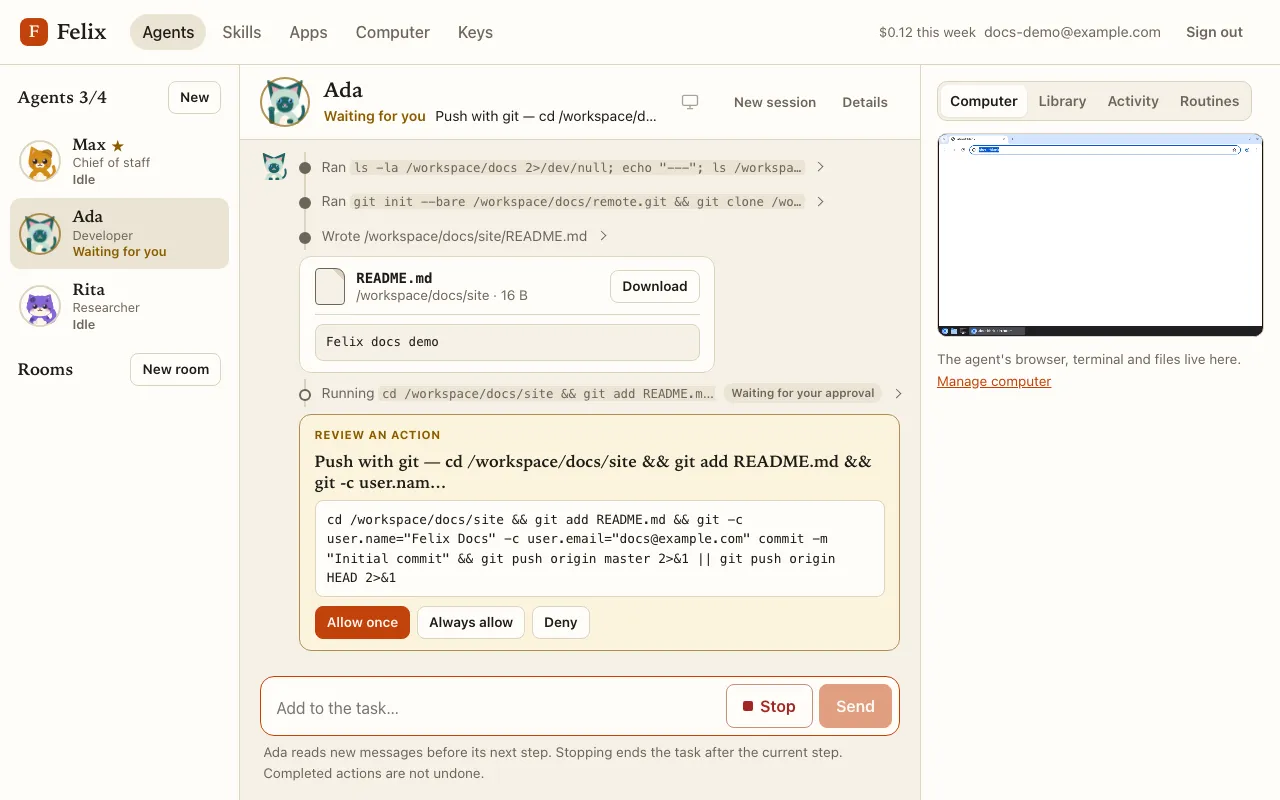
While a card waits, the action’s row reads Waiting for your approval and the agent’s status is Waiting for you.
The two forms of card
Section titled “The two forms of card”- Draft: an email or a post the agent wants to send. Its text fields (recipient, subject, body…) are editable, and Send sends what you see. Drafts the agent only creates (not sends) show Allow once instead.
- Review an action: shows the action as it will run. For the shell, the command and folder (read-only); for a change to the agent’s instructions or a skill, the lines added and removed.
Only the text of a draft can be edited: accounts, tools, numbers and everything else run as proposed. The agent is told which fields you edited, so its summary matches what was sent.
Your choices
Section titled “Your choices”- Allow once (or Send) runs this action.
- Always allow runs it and remembers the decision for this agent: the same kind of action no longer asks (for an
app, per action such as “Gmail: send email”; for the shell, per command such as
git push). - Deny tells the agent not to do it; it continues without the action or explains.
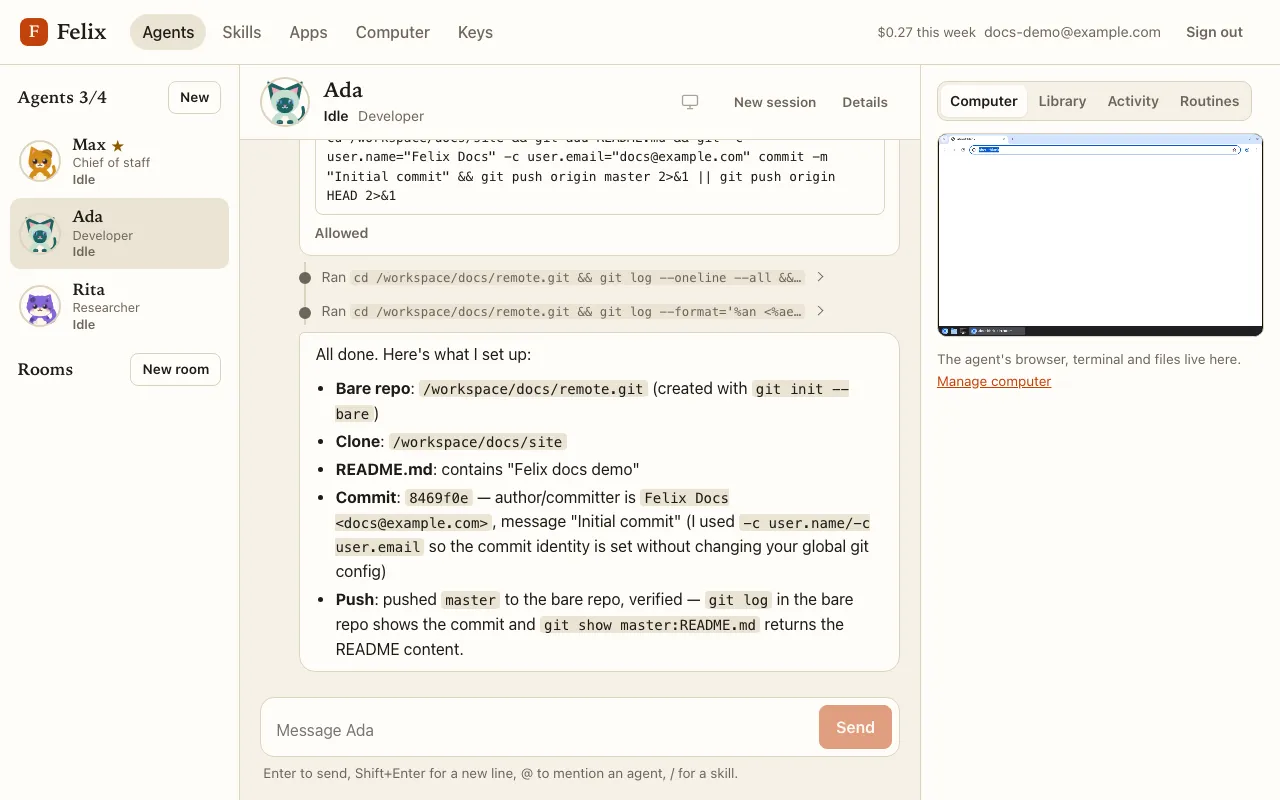
Once you decide, the card says what actually happened:
| Card | Meaning |
|---|---|
| Sending… / Allowed — running… | Decided; the action is running. |
| Sent / Allowed | The action ran. |
| Send failed / Failed | The app or command reported an error. |
| Not run | It never ran (for example you pressed Stop first). |
| Interrupted | A server restart cut it short; it may or may not have happened. |
| Skipped — you replied | You sent a chat message instead of deciding: the action is not run, and the agent reads your message first. |
| Expired | Nobody decided in time (24 hours; 60 minutes in a routine’s unattended run). Always allow this in the future is still offered. |
If an app or the agent’s computer is unavailable when an allowed action is about to run, it is not run and the task stops with Retry: Retry runs that same allowed action once, without asking again.
Approval rules
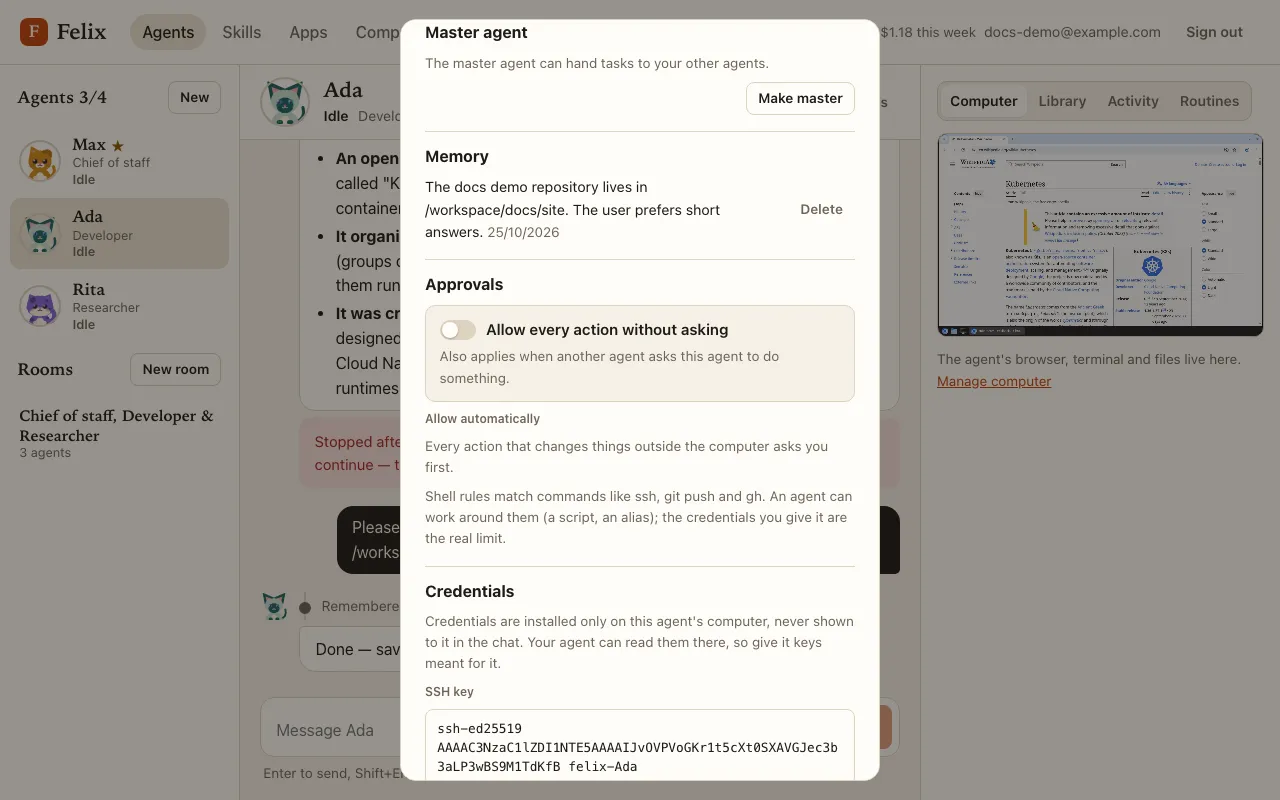
Section titled “Approval rules”Open the agent’s Details → Approvals:
- Allow every action without asking turns approvals off for this agent only. Felix warns you while it is on.
- Allow automatically lists the rules made by Always allow (for example “Shell: git push”). Remove makes that action ask again.