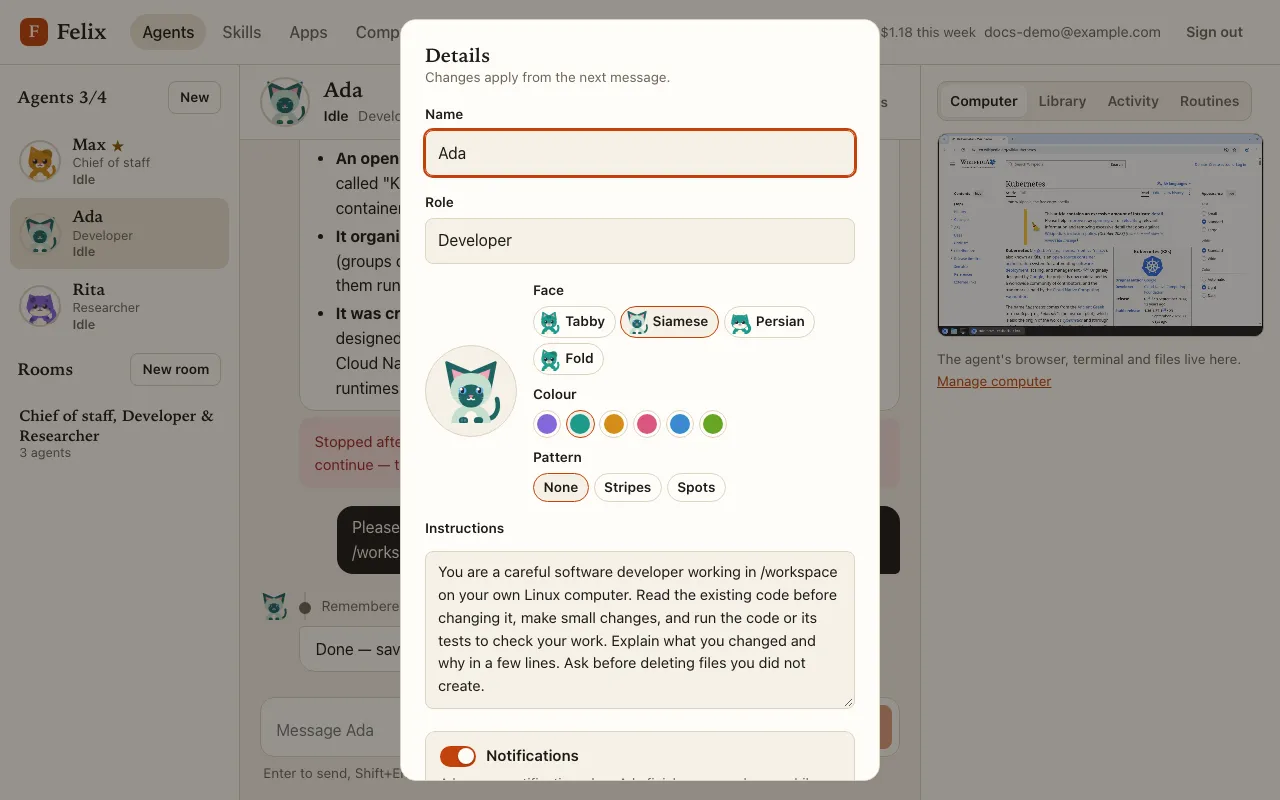
Create your first agent
Open Agents. With no agent yet, the page offers four templates (Inbox assistant, Researcher, Developer, Writer), Create a master agent and Start from scratch.
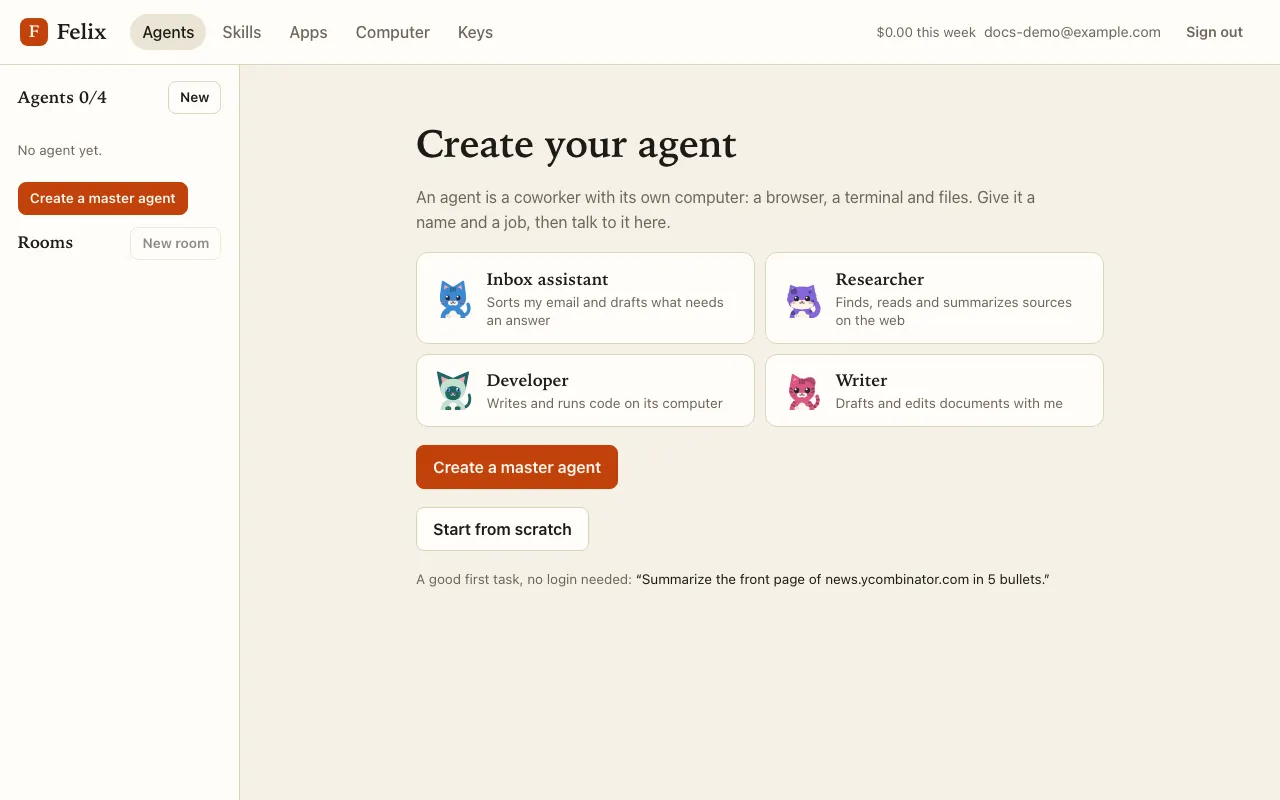
Pick one. The Create agent dialog opens with the template filled in:
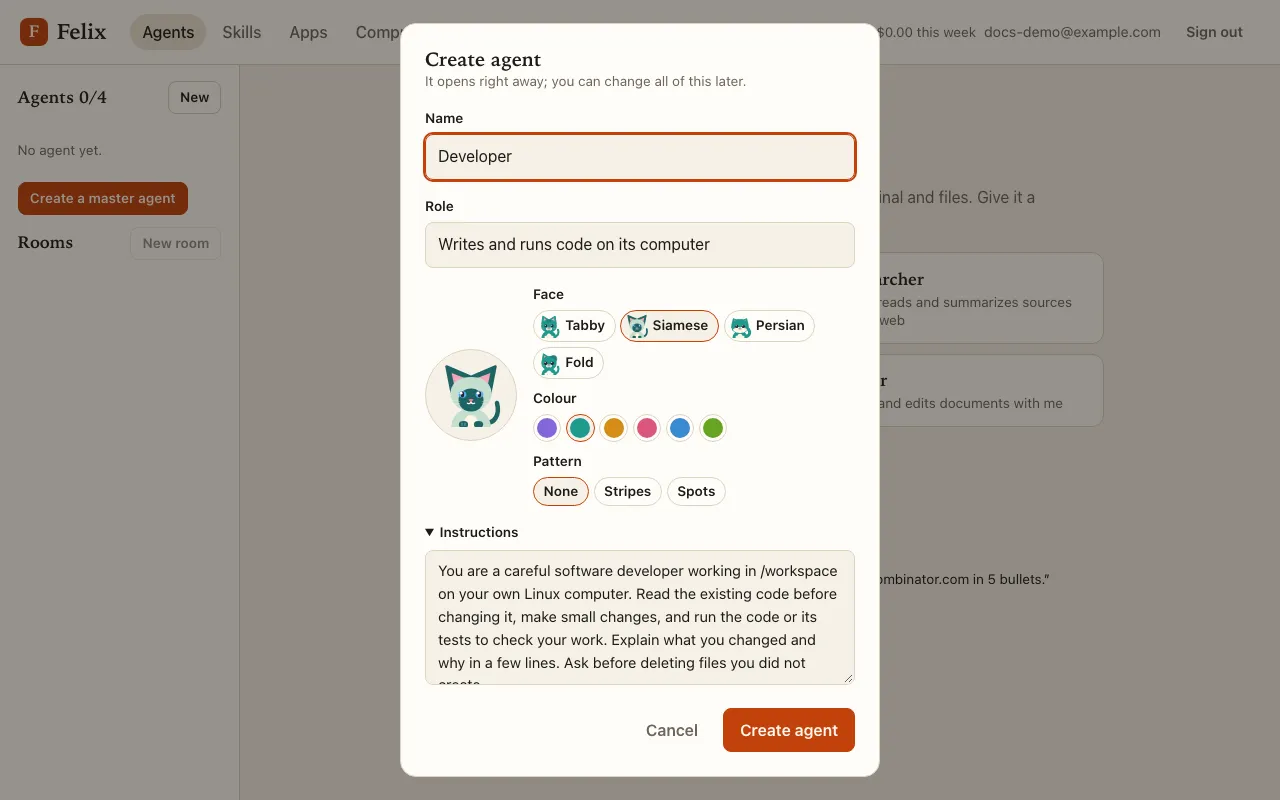
- Name: 1–40 characters, without
@or line breaks, and noteveryone. Names are unique among your agents. - Role: one line (up to 80 characters), shown under the name in the roster.
- Face, Colour and Pattern: your agent’s cat. See Faces and statuses.
- Instructions (optional, up to 8,000 characters): how it should work, its tone, what to ask you before doing something. Templates fill them in; you can change them later.
Press Create agent. The chat opens right away and suggests a first task that needs no login, such as “Summarize the front page of news.ycombinator.com in 5 bullets.” Click it to put it in the message box, then press Enter.
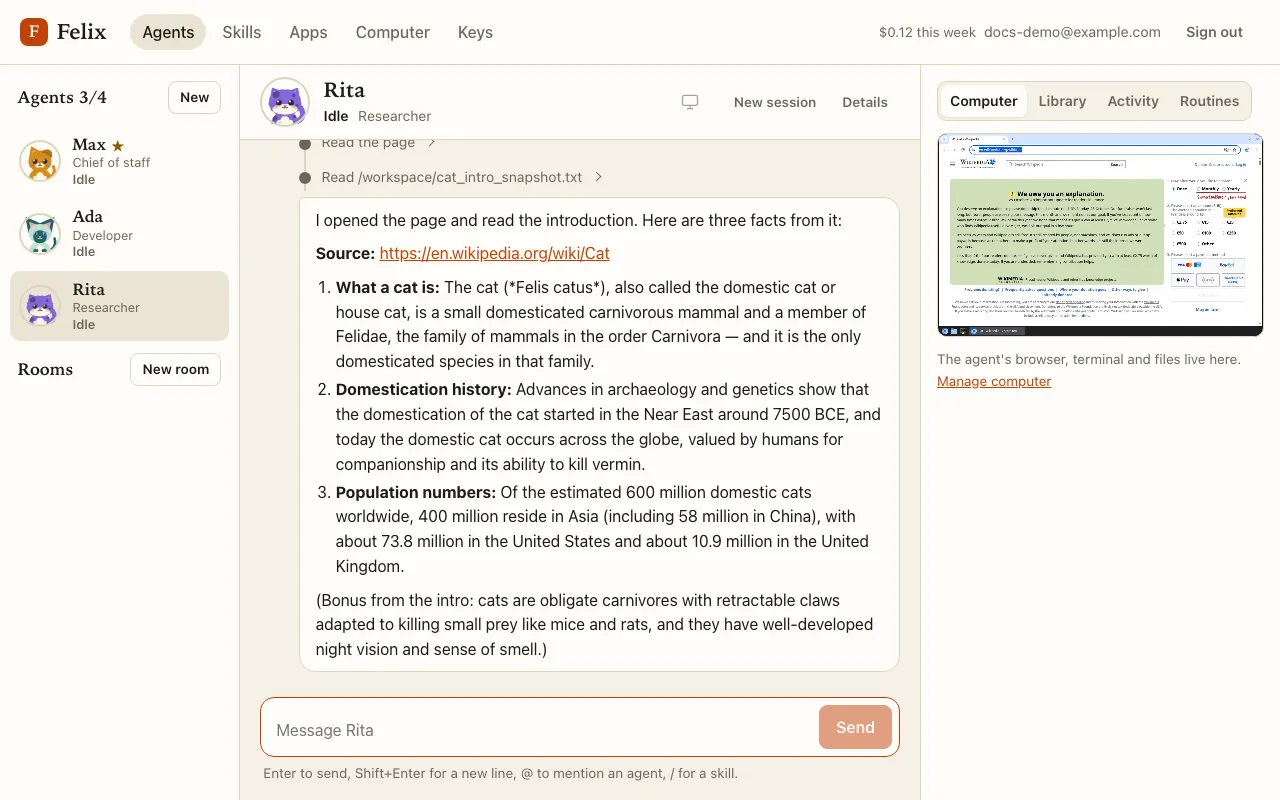
Change an agent later
Section titled “Change an agent later”Details in the chat header changes the name, role, cat, instructions and Notifications. Changes apply from the next message. Details is also where you find memory, approval rules, credentials, the master role and Delete agent.