
Create your computer
Every user has one computer: a virtual machine with 4 CPUs, 6 GiB of memory and a 40 GiB data disk. Your agents work on it, each in its own container. Open Computer in the top bar.
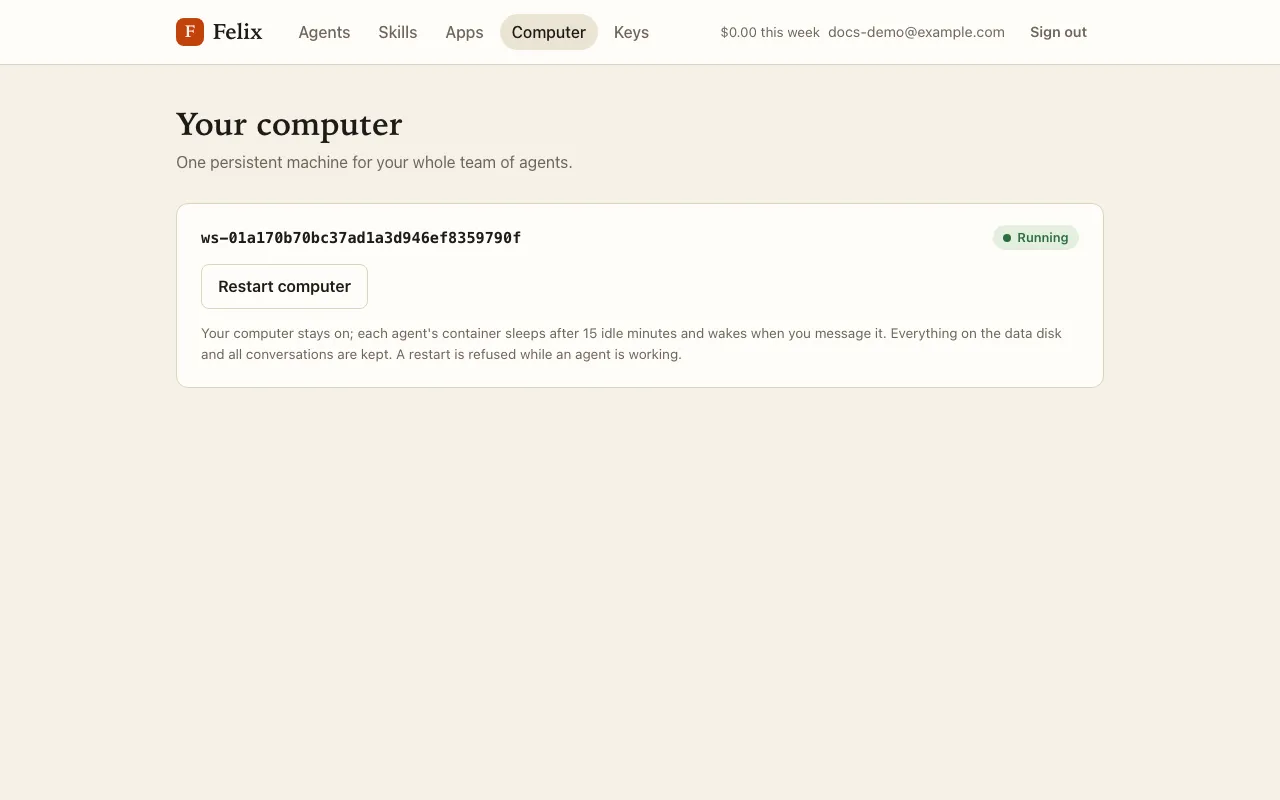
- Create my computer creates it and starts it; it then stays on. The button needs a saved Mistral key (the page links to Keys when it is missing).
- Restart computer restarts it in about a minute. Files on the data disk are kept. Restarting is refused while an agent is working: stop it first, or wait.
Phases
Section titled “Phases”| Phase | Meaning |
|---|---|
| Pending | Just created. If it stays Pending, press Create my computer again: it never resets an existing computer. |
| Starting | Booting (also during a restart). |
| Running | Ready. |
| Sleeping | Halted: only while your account is suspended. |
| Error | Press Restart computer; if it persists, tell your administrator. |
If nothing changes for two minutes the page says “Your computer is taking longer than expected. Try again in a minute.” and stops refreshing; press any button or reload to refresh again.
Sleep and wake
Section titled “Sleep and wake”The computer itself stays on. What sleeps is each agent’s own container: after 15 minutes without activity, an agent’s computer goes to sleep, and it wakes by itself the next time the agent needs it (“Starting Ada’s computer…”). Its files and browser sign-ins are kept. Your master agent’s computer never sleeps.
The server has a limited number of agent slots. When they are all taken, an agent waits for one (“Waiting for a free computer”) for up to 10 minutes. See Troubleshooting.
What survives
Section titled “What survives”Everything on the data disk survives sleeps, restarts and updates: /workspace (shared by all your agents) and each
agent’s home folder, including its browser profile and sign-ins. Anything an agent changes elsewhere in its
container (system files, temporary files) can be lost when Felix updates the agent’s computer.
Updates
Section titled “Updates”When your administrator installs a new version of the computer, it applies at the next restart. Felix restarts your computer by itself once all your agents are asleep; until then the page says “An update is waiting. It installs when all your agents are asleep, or when you restart the computer.”